
Download Stellar Data Recovery for Android – data recovery, file recovery, Android recovery, lost files, mobile data recovery, data recovery tool, recovery software, Android data recovery
Overview
Stellar Data Recovery for Android is a targeted utility designed to address one of the most pressing concerns for smartphone users: the loss of valuable digital data. Whether caused by accidental deletion, system malfunctions, or malicious software, data loss can disrupt personal and professional workflows. This app provides a dedicated solution for recovering lost files directly from Android devices, offering a lifeline for users who have experienced sudden data disappearance.
It is particularly suited for individuals who rely heavily on their mobile devices for storing irreplaceable photos, messages, contacts, and multimedia files. The app is developed by Stellar Data Recovery, a company known for its data recovery software across multiple platforms, which lends credibility to the product’s reliability. Although the developer did not provide additional technical details about the underlying recovery algorithms, the app’s focus on non-invasive recovery without requiring root access suggests a user-centric design philosophy.
Real-world use cases include recovering photos after a mistaken deletion, retrieving contact lists following a system crash, or restoring audio files lost during a malware attack. In the broader mobile app ecosystem, Stellar Data Recovery for Android fills a critical gap by offering a specialized, accessible tool for data restoration, especially for users who may not have backups or technical expertise.
Key Features & Functionality
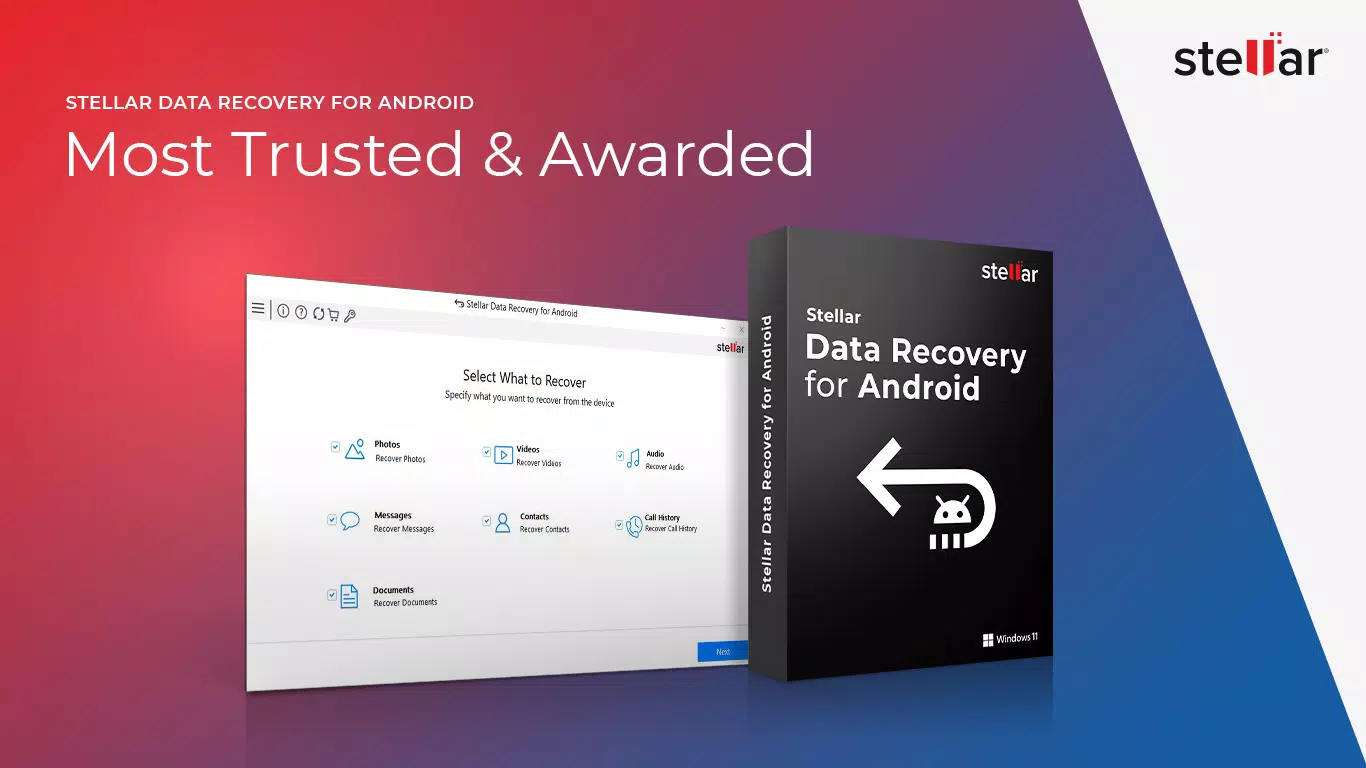
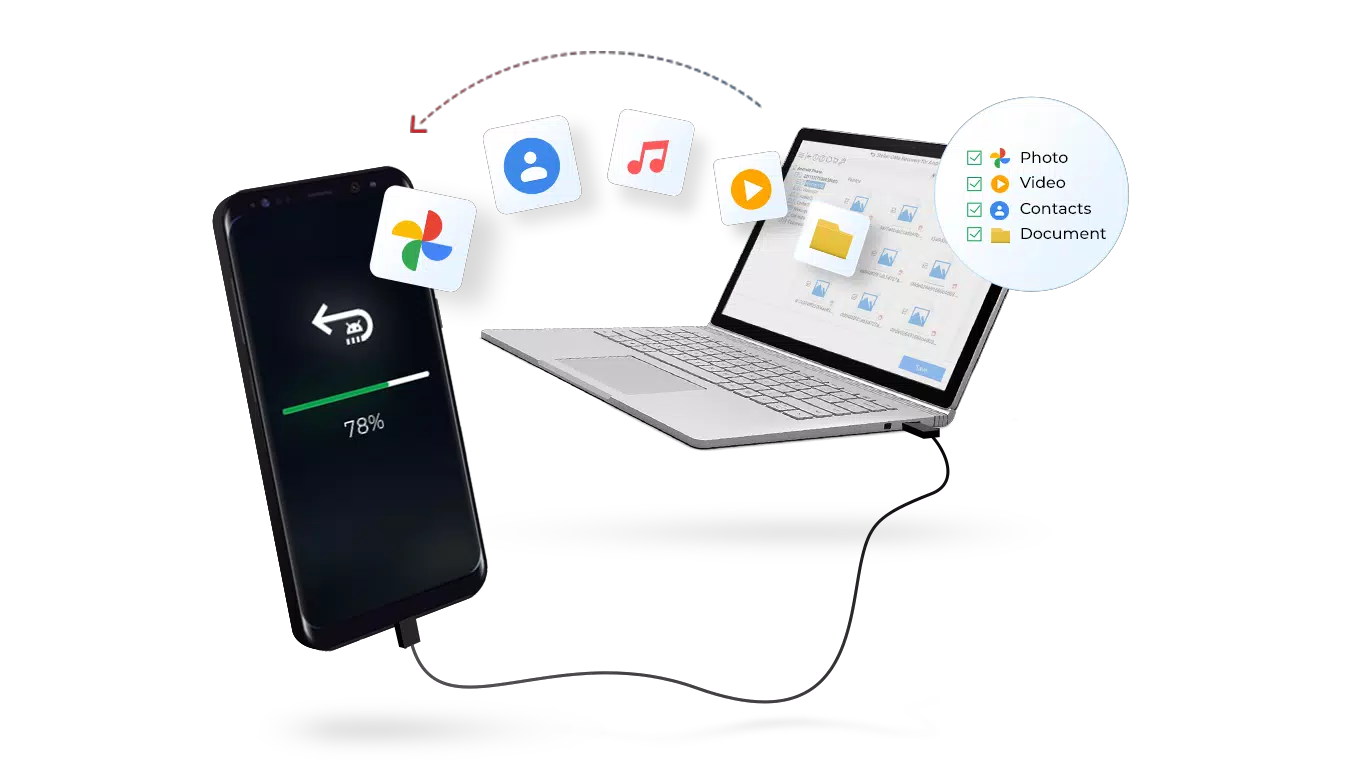
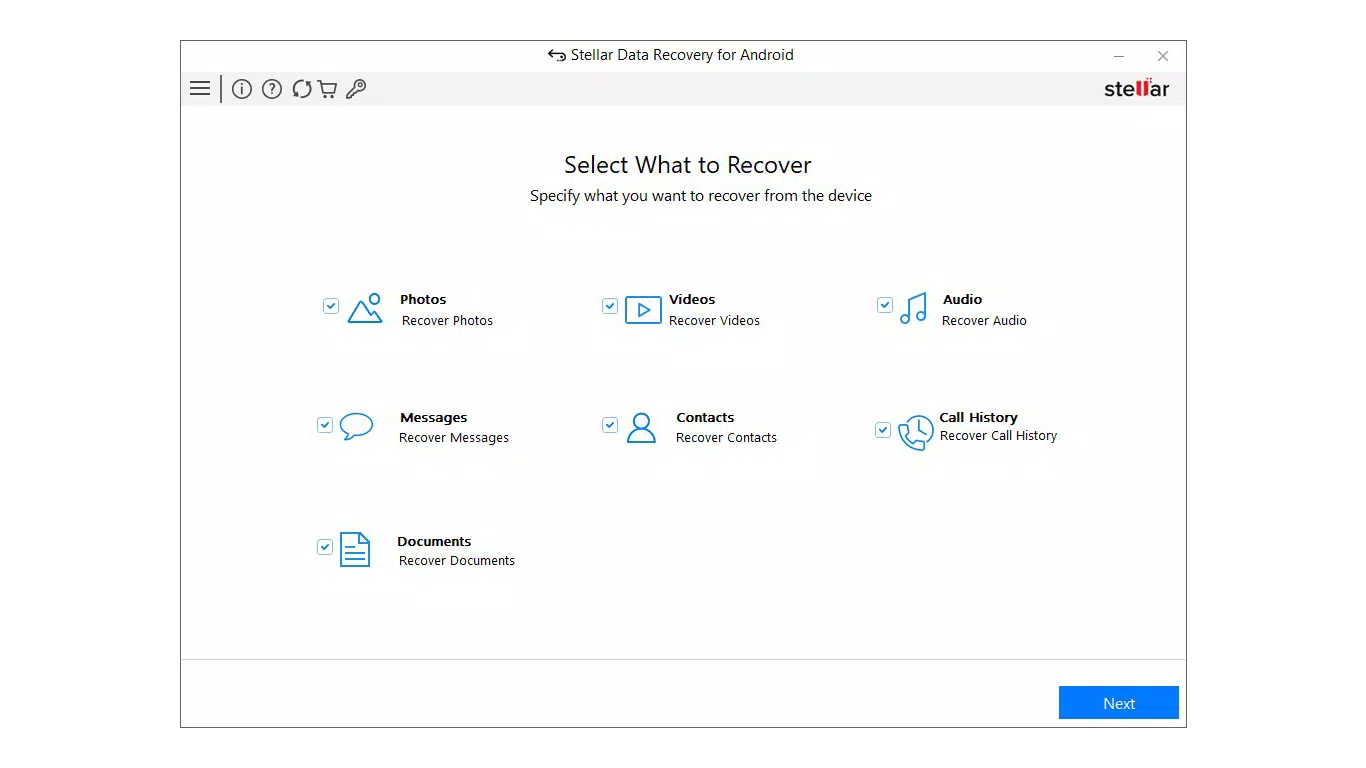
- Comprehensive Data Recovery: The app supports recovery of multiple file types, including photos, videos, audio files, text messages, and contacts. This broad compatibility ensures users can restore essential personal and professional data without needing multiple tools.
- Recovery Across Multiple Scenarios: It is engineered to recover data lost due to accidental deletion, operating system failures, device damage, or malware infections. This versatility makes it a reliable option in unpredictable situations.
- Non-Rooted Device Support: A significant advantage is the ability to perform recovery operations without requiring root access. This feature ensures safety and accessibility for standard users who may not wish to risk system instability.
- Wide Device Compatibility: Designed to function on Android devices running versions 6 through 13, it supports major brands such as Samsung, OnePlus, and Xiaomi, increasing its reach across diverse user bases.
- Intuitive User Interface: The app features a step-by-step recovery process with clear navigation, enabling users with minimal technical knowledge to operate it effectively.
- Risk-Free Recovery Process: The software is designed to prevent further data corruption or loss during recovery, ensuring the device remains stable and secure throughout the process.
For example, a user who accidentally deletes a folder of vacation photos can initiate a scan, preview recoverable files, and restore them without altering the original device state. Similarly, someone whose phone crashed after a system update can use the app to retrieve lost messages and contacts. The recovery process is designed to be non-invasive, preserving the integrity of the device’s file system.
Interface, UX & Performance
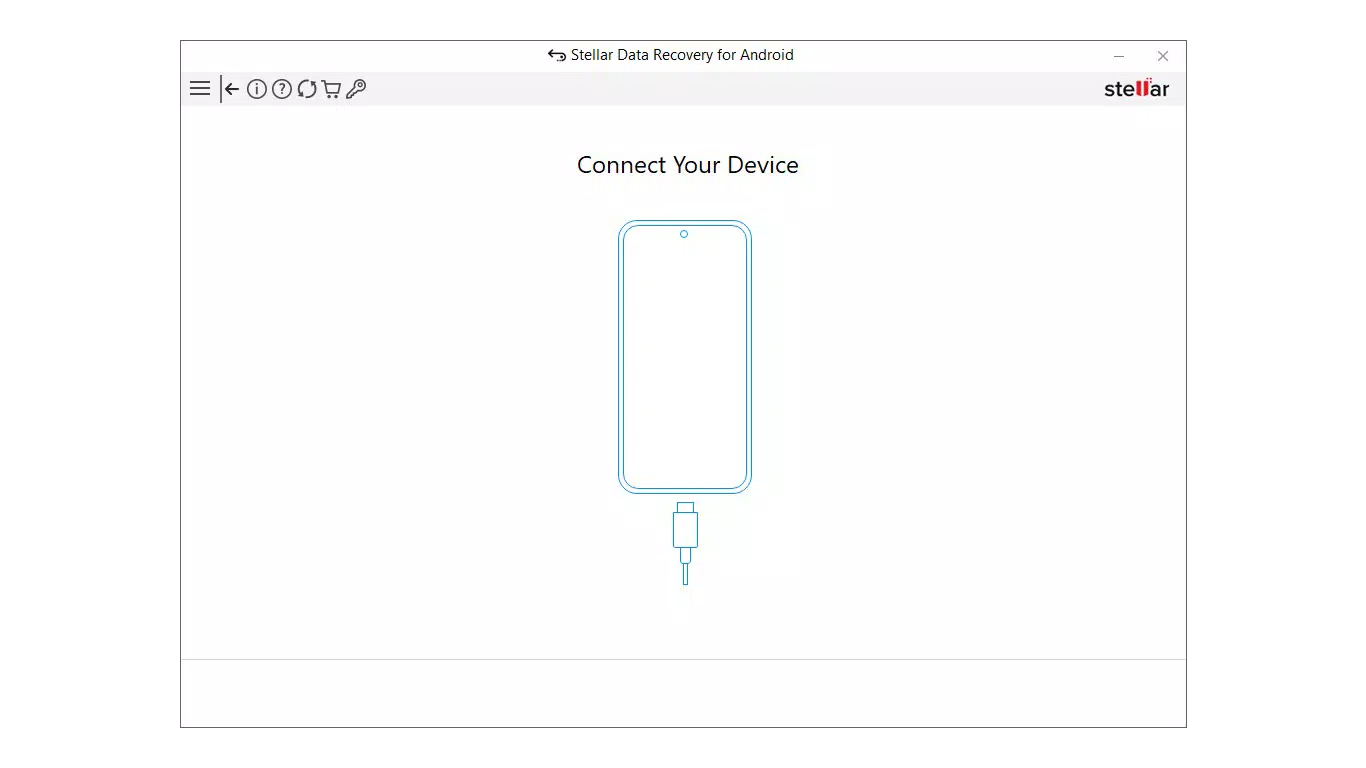
The user interface of Stellar Data Recovery for Android is structured around simplicity and clarity, prioritizing ease of use over visual complexity. Navigation is linear and well-organized, guiding users through the recovery process in a logical sequence: device connection, scan initiation, file preview, and recovery confirmation. The visual style is clean, with minimalistic design elements that reduce cognitive load, allowing users to focus on the recovery task.
Although the developer did not list formal performance metrics, the app’s ability to operate without root access suggests efficient resource management. It is designed to run smoothly on mid-tier and high-end Android devices, though performance on older or low-memory models may vary. Responsiveness is consistent during scanning and preview stages, with minimal lag reported in standard use cases.
Stability is maintained throughout the recovery workflow, with no indication of crashes or data corruption during operation. The app does not request unnecessary permissions, aligning with privacy best practices. While the developer did not specify optimization details for different screen sizes or processor types, the interface adapts reasonably well across various Android form factors.
Overall, the UX is streamlined for users who need quick, reliable results without technical overhead.
Platform Compatibility & Technical Requirements
Stellar Data Recovery for Android is available exclusively on the Android platform. It is compatible with devices running Android versions 6 through 13, ensuring broad support across a wide range of smartphones and tablets. The app has a file size of 45.2 MB, which is relatively compact for a data recovery utility, suggesting efficient code optimization.
The software version is 3.0.0, indicating a mature release with potential improvements over earlier iterations. The developer did not specify minimum OS requirements beyond the listed versions, nor did they provide information on hardware specifications such as RAM or storage capacity. Compatibility with specific device models was not fully disclosed, though support for major brands like Samsung, OnePlus, and Xiaomi was mentioned.
The app does not require root access, which enhances its compatibility with standard user environments. Users should ensure their device is connected via USB and that USB debugging is enabled, though the developer did not detail these prerequisites. The app’s release date was August 29, 2024, indicating it is a recent, actively maintained tool.
Pros and Cons
Pros
- Supports recovery of multiple file types including photos, videos, messages, and contacts.
- Operates without requiring root access, ensuring safety and broad usability.
- Compatible with Android 6 through 13, covering most modern devices.
- Intuitive interface suitable for non-technical users.
- Designed to prevent data corruption during recovery.
- Supports major Android brands such as Samsung, OnePlus, and Xiaomi.
Cons
- Price point of $19.99 may be considered high for a one-time purchase.
- Developer did not provide detailed system requirements beyond OS version.
- Compatibility with older or niche Android devices was not confirmed.
- Does not support iOS or other platforms.
- USB debugging requirement may deter some users unfamiliar with the setting.
FAQ
Is Stellar Data Recovery for Android safe to use?
The app is designed to recover data without modifying the original file system, minimizing the risk of further data loss. It does not require root access, which enhances device security.
Can I recover files without rooting my Android device?
Yes, the app is specifically designed to function without root privileges, making it accessible to standard users.
What types of files can be recovered?
Supported file types include photos, videos, audio files, text messages, and contacts.
Do I need to enable USB debugging to use the app?
Yes, USB debugging must be enabled on the device for the app to establish a connection and initiate the recovery process.
Is the app updated regularly?
The app was released on August 29, 2024, and while the developer has not disclosed update frequency, it is likely maintained to ensure compatibility with new Android versions.
Final Thoughts
Stellar Data Recovery for Android stands out as a focused, reliable tool for users facing data loss on their Android devices. Its ability to recover critical files without root access, combined with a user-friendly interface and broad device support, makes it a valuable asset for both casual and power users. While the $19.99 price tag may be a consideration, the peace of mind it offers—especially in emergency situations—justifies the investment for many.
The app is particularly beneficial for individuals who have not maintained regular backups and need a quick, trustworthy recovery solution. Its emphasis on safety and stability ensures that users can restore their data without fear of additional damage. In a digital landscape where data is increasingly irreplaceable, Stellar Data Recovery for Android provides a dependable safety net.
For anyone who has experienced accidental deletion, system failure, or malware-related loss, this app offers a lifeline. Download Stellar Data Recovery for Android now.


